

Add New Patient
The Add Patient page allows you to register new patients in your practice. The form is organized into multiple tabs to capture comprehensive patient information efficiently.
Personal Details Tab
The Personal Details tab contains essential patient information including name, surname, birth date, gender, identification numbers, nationality, and notes.
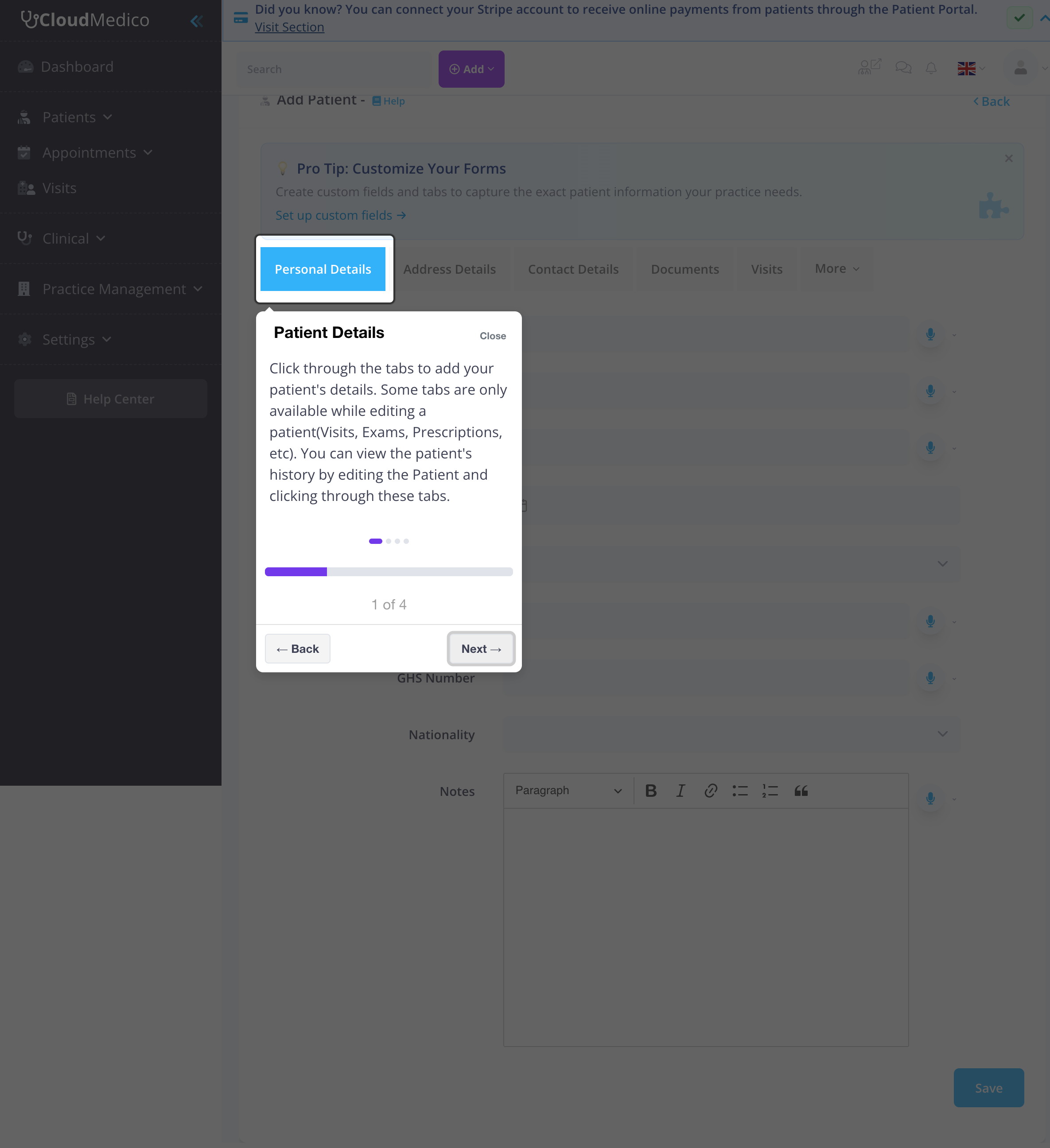
Required Fields
The following fields are required to create a new patient:
- Name: Patient's first name
- Surname: Patient's last name
Optional Fields
- Preferred Name: How the patient prefers to be addressed
- Birth Date: Patient's date of birth
- Gender: Male, Female, Intersex, or Other
- ID Number: National identification number
- GHS Number: Ghana Health Service number
- Nationality: Patient's nationality
- Notes: Additional patient information
Address Details Tab
The Address Details tab allows you to capture the patient's complete address information for contact and billing purposes.
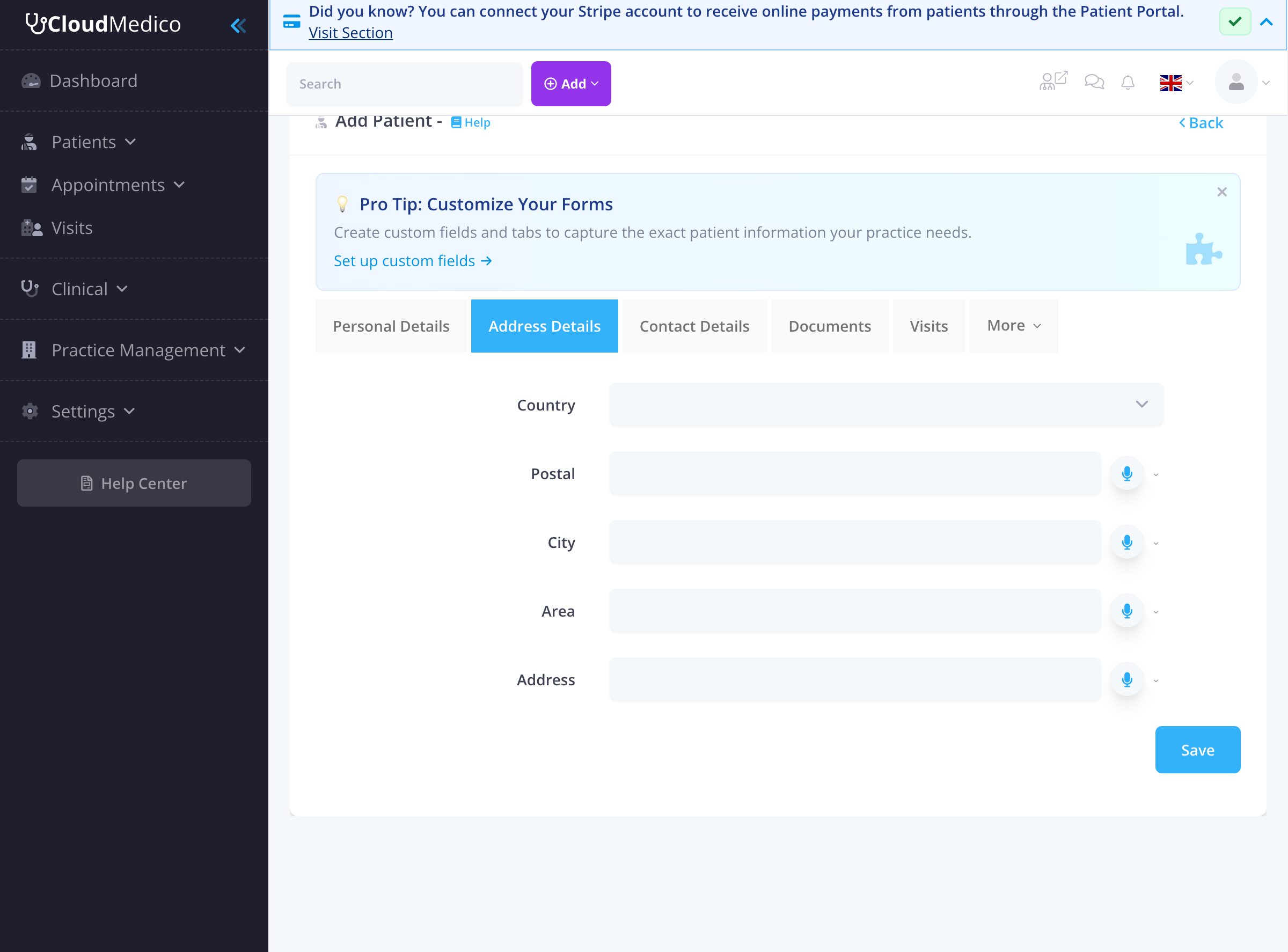
Address Fields
- Country: Patient's country of residence
- Postal: Postal or ZIP code
- City: City or town
- Area: Area or district
- Address: Street address
Contact Details Tab
The Contact Details tab contains all communication information for the patient, including phone numbers, email, and notification preferences.
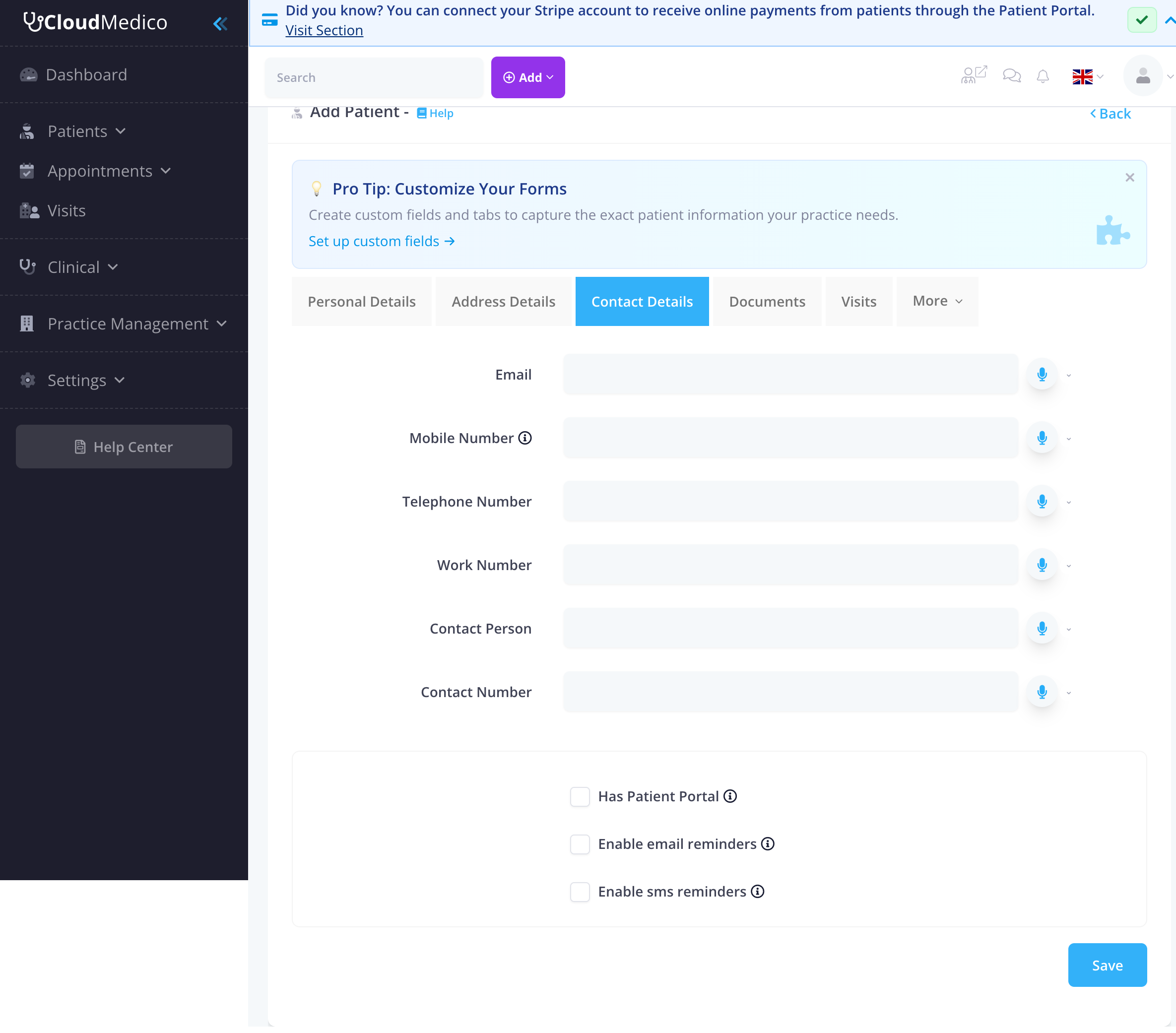
Contact Information
- Email: Patient's email address
- Mobile Number: Primary mobile phone number
- Telephone Number: Landline phone number
- Work Number: Work phone number
- Contact Person: Emergency contact name
- Contact Number: Emergency contact phone
Notification Preferences
- Has Patient Portal: Enable patient portal access
- Enable email reminders: Send appointment reminders via email
- Enable SMS reminders: Send appointment reminders via SMS
Additional Tabs (Available After Saving)
After saving the patient record, additional tabs become available for comprehensive patient management. These tabs provide access to related patient information and clinical data.
Documents Tab
The Documents tab allows you to manage patient-related documents and files. This includes medical reports, insurance documents, consent forms, and other important paperwork.
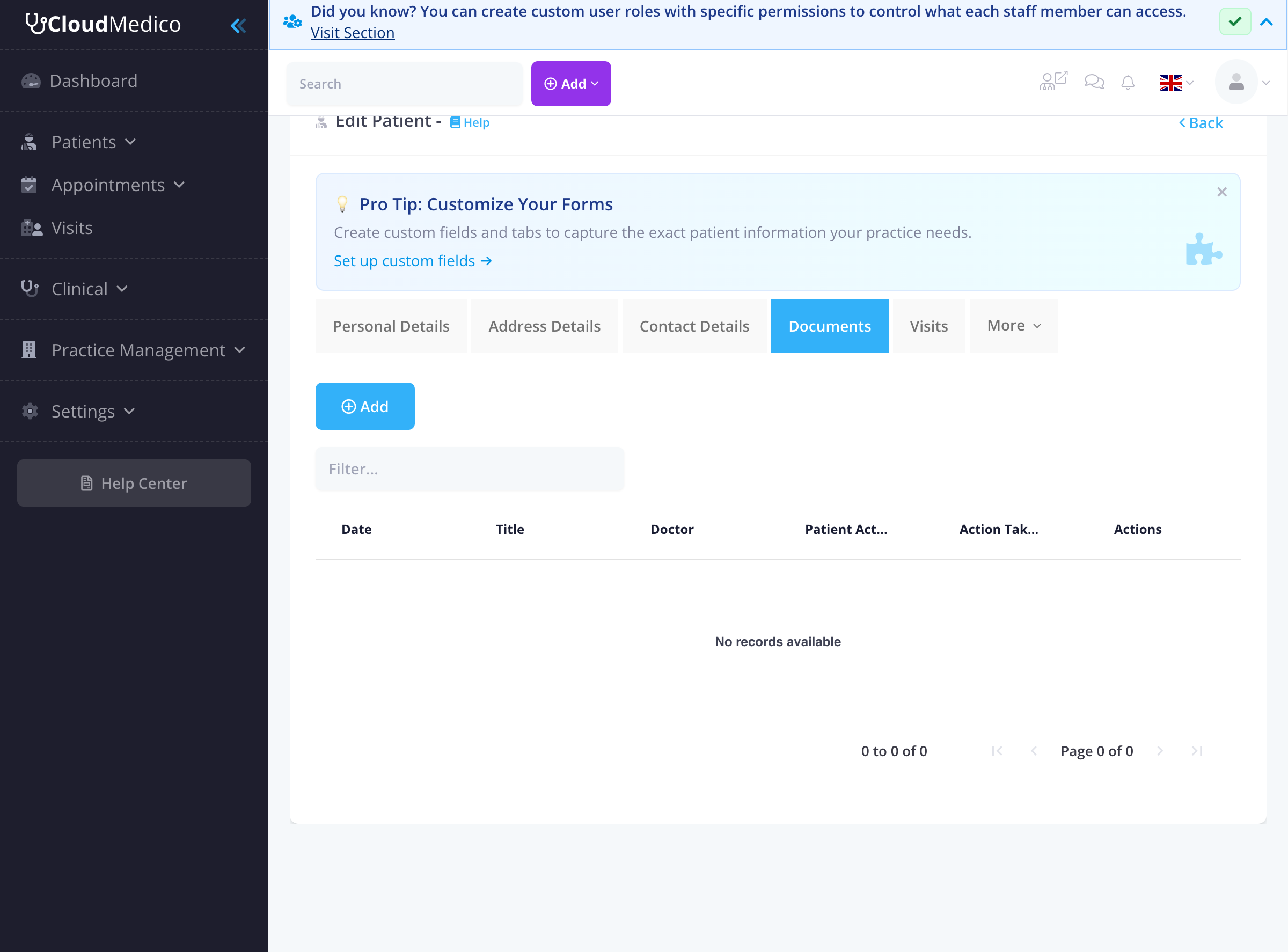
Key features of the Documents tab:
- Upload and store patient documents
- Track document dates and types
- Associate documents with specific doctors
- Monitor patient actions and document status
- Filter and search through documents
Visits Tab
The Visits tab provides a comprehensive view of all patient visits, including visit history, associated doctors, dates, and pricing information.
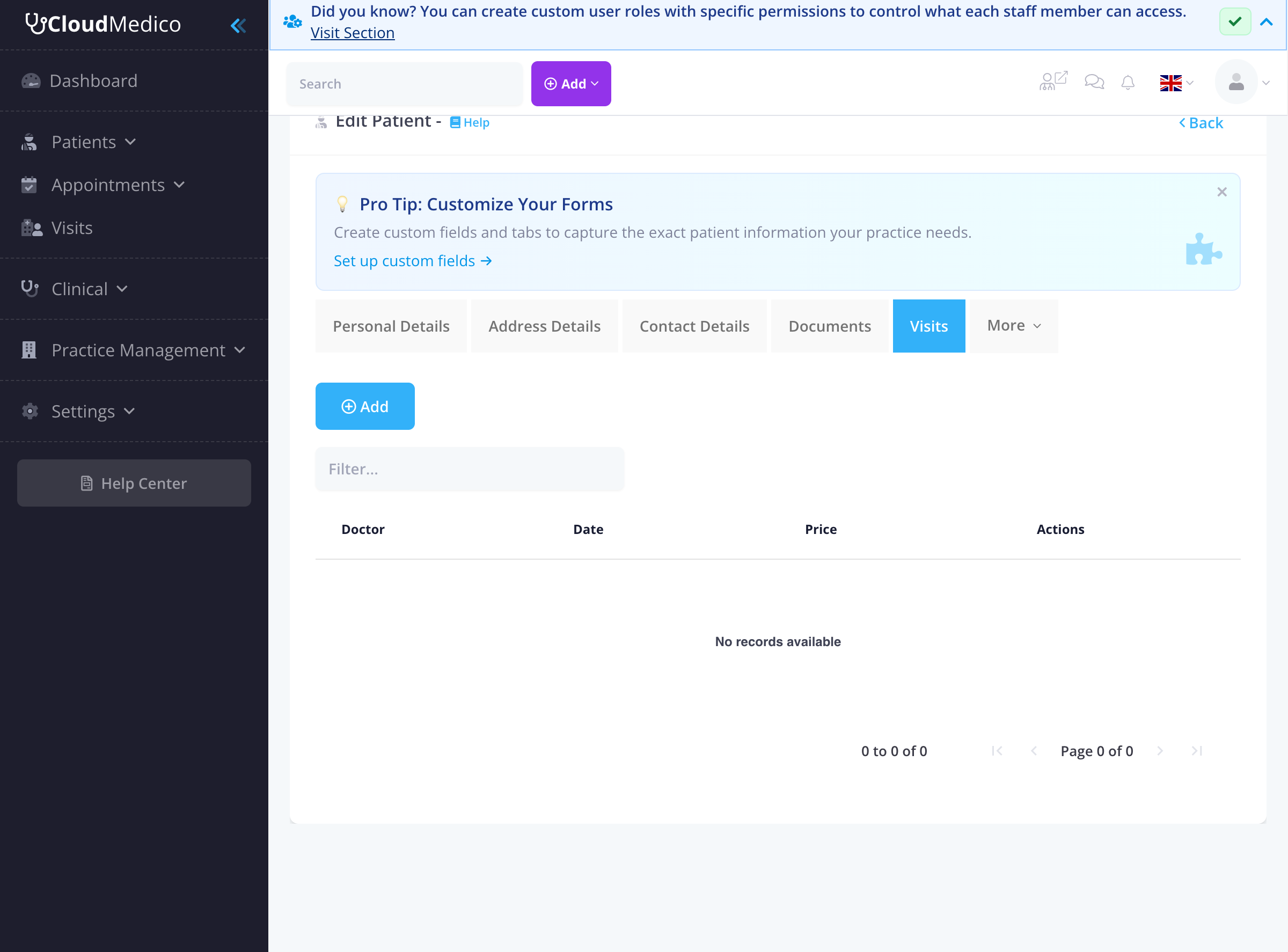
Visit management features include:
- View complete visit history
- Track visit dates and associated doctors
- Monitor visit pricing and billing
- Quick access to add new visits
- Filter visits by date or doctor
More Tab Options
The 'More' dropdown provides access to additional patient-related information tabs:
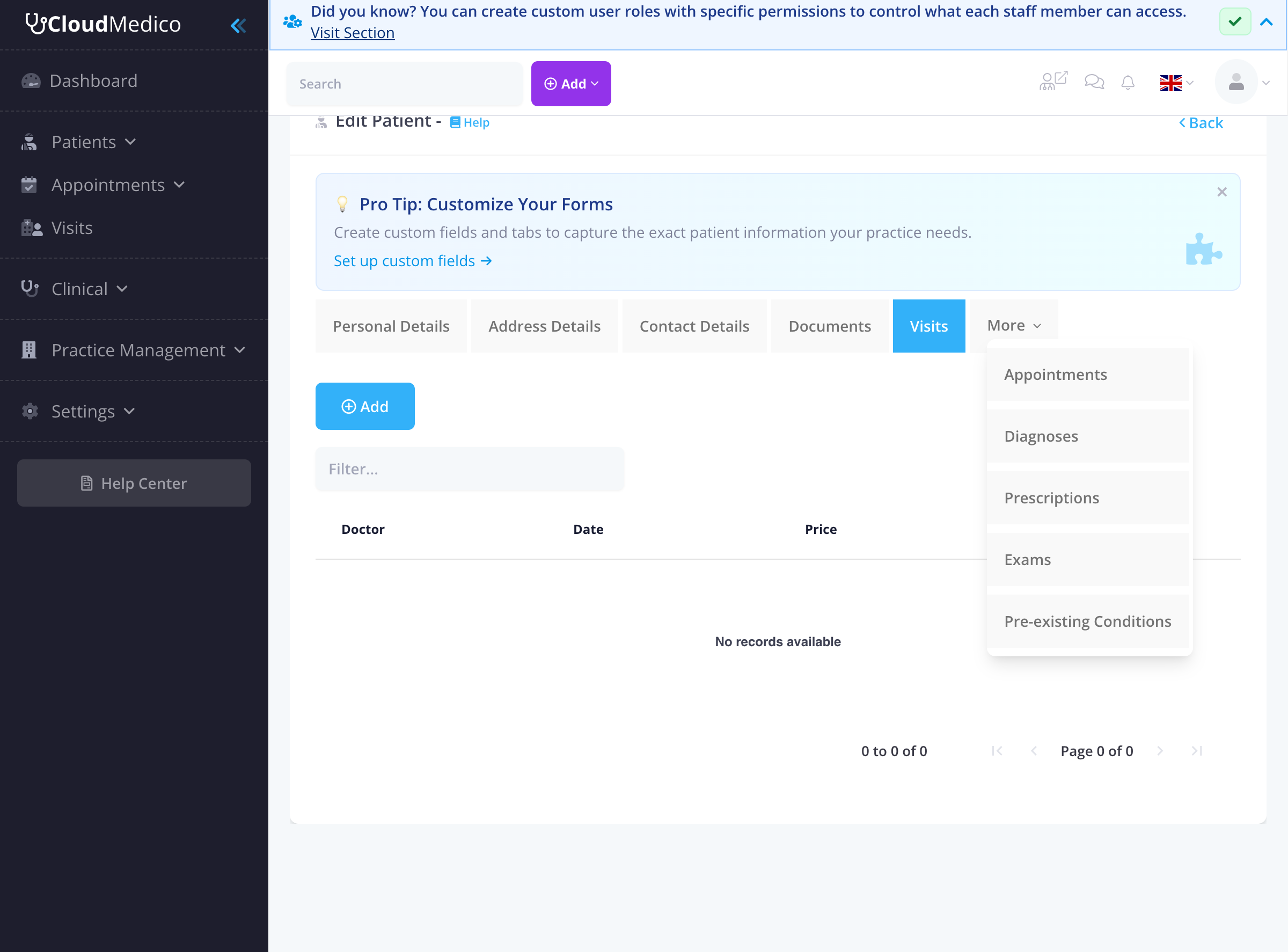
Additional tabs include:
- Appointments: View and manage patient appointments
- Diagnoses: Track patient diagnoses and medical conditions
- Prescriptions: Manage patient prescriptions and medications
- Exams: View patient examination results and reports
- Pre-existing Conditions: Document chronic conditions and medical history
Saving Patient Information
Click the 'Save' button to create the new patient. After saving, you'll be redirected to the patient's profile page where you can view and edit all patient information, including their visit history, diagnoses, prescriptions, and exams.
Tips for Adding Patients
To ensure accurate patient records:
- Always fill in at least the required fields (Name and Surname)
- Include accurate contact information for appointment reminders
- Use the Notes field for important medical information
- Enable appropriate notification preferences
- Consider enabling patient portal access for better engagement
- Save the record to access additional functionality tabs
- Utilize all available tabs for comprehensive patient management