




Importing Appointments to CloudMedico
CloudMedico makes it easy to import your existing Appointments into the system, using Excel files.
From the Appointments List View, click on the 'Import Appointments' link, to start importing your appointments.
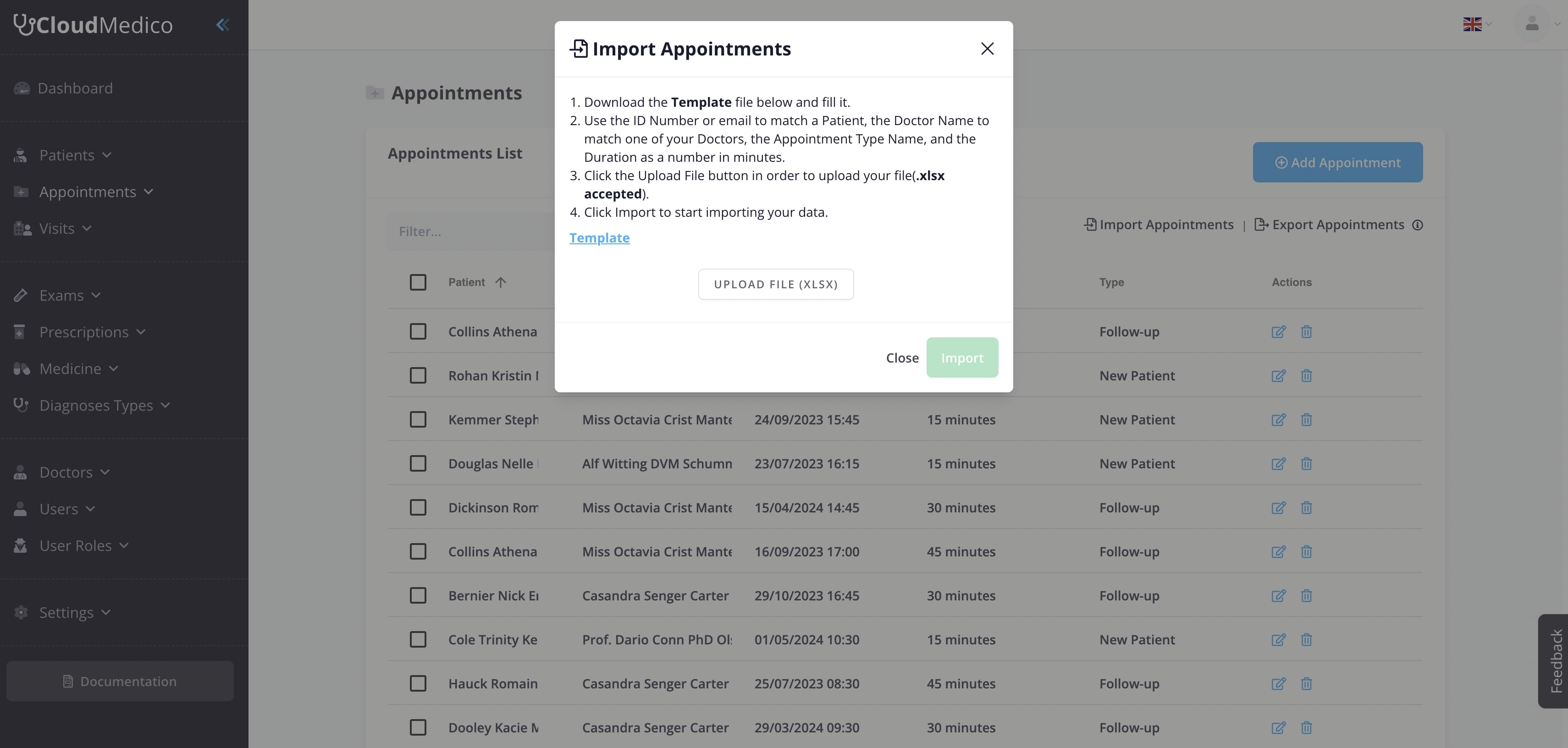
From here, you can download our example Template, and use it to fill in your appointment details.
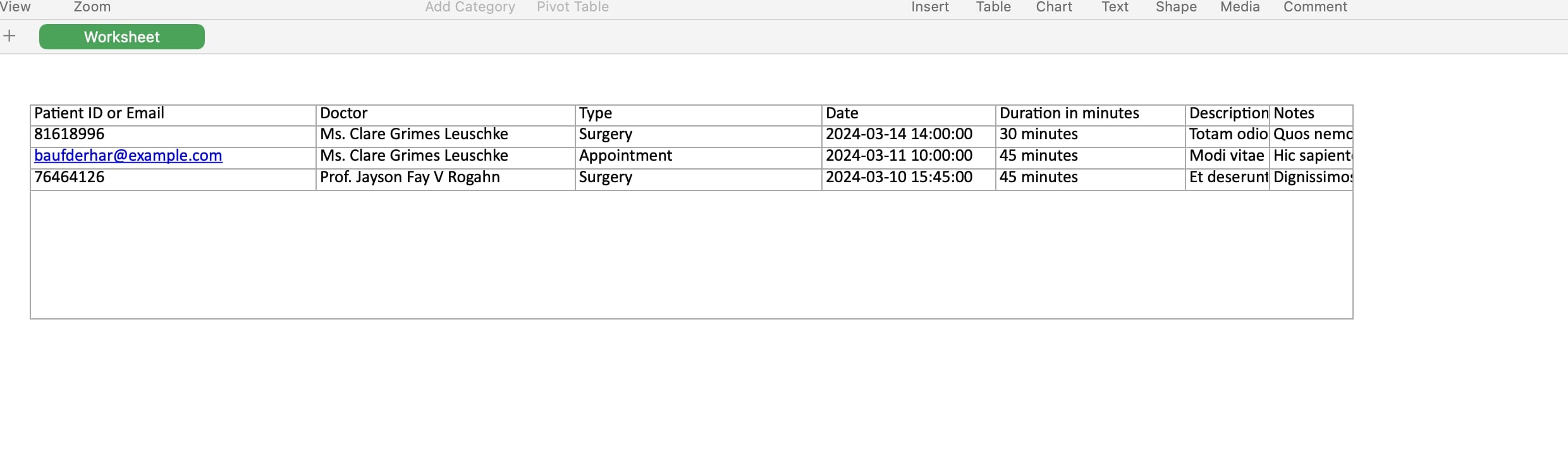
After you download the Template file, and fill it with your Appointment data, please click the 'Upload' button, to upload your file, and then click the 'Import' button to begin the Import process.
Interested in getting your own EHR system today?
Try CloudMedico & start managing your PracticeStart your 30-day free trial with all features included. No Credit Card required.