

SMS Logs in CloudMedico
The SMS Logs feature in CloudMedico allows you to track and monitor all SMS messages sent to patients, including appointment reminders, confirmations, and other automated communications.
SMS Logs Overview
The SMS Logs page provides a comprehensive view of all SMS communications sent through your CloudMedico account:
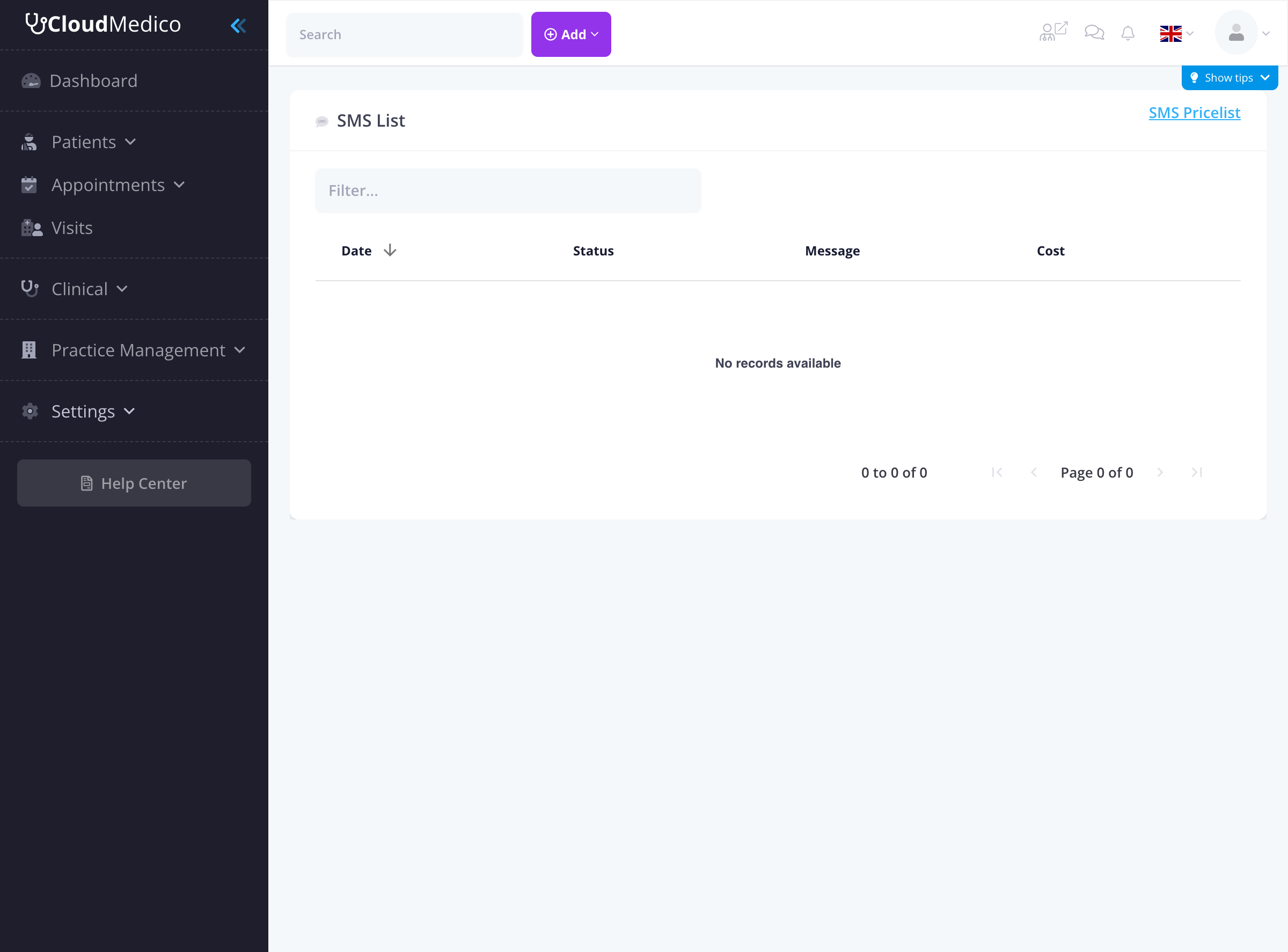
The SMS logs interface displays:
- Date: When the SMS message was sent
- Status: Delivery status of the message
- Message: The content of the SMS message
- Cost: The cost associated with sending the message
- Filter Options: Search and filter functionality
- SMS Pricelist: Link to view current SMS pricing
SMS Pricelist
CloudMedico provides transparent SMS pricing through the 'SMS Pricelist' link. This allows you to:
- View current SMS rates
- Understand cost per message
- Plan your SMS communication budget
- Compare rates across different regions
Filtering and Searching
Filter Options
You can filter SMS logs by:
- Date Range: View messages from specific time periods
- Patient: Filter by specific patients
- Message Type: Filter by type of message
- Status: View only successful, failed, or pending messages
- Doctor: Filter by the doctor associated with the appointment
Search Functionality
Use the search feature to:
- Find messages by patient name
- Search by phone number
- Look for specific message content
Message Types
Common SMS Types
CloudMedico sends various types of SMS messages:
- Appointment Reminders: Sent before scheduled appointments
- Appointment Confirmations: When patients confirm their appointments
- Appointment Cancellations: When appointments are cancelled
- Rescheduling Notifications: When appointment times change
- General Notifications: Other practice-related messages
Delivery Status
Status Types
SMS messages can have different delivery statuses:
- Sent: Message has been sent from CloudMedico
- Delivered: Message has been delivered to the recipient's phone
- Failed: Message delivery failed (invalid number, carrier issues, etc.)
- Pending: Message is queued for delivery
Cost Tracking
The SMS Logs section also tracks:
- Cost per message
- Total SMS costs for your practice
- Monthly SMS usage statistics
Exporting SMS Logs
You can export SMS logs for:
- Record keeping
- Compliance requirements
- Cost analysis
- Communication audit trails
Troubleshooting
Common Issues
If SMS messages are failing:
- Check if the phone number is valid
- Verify the patient has opted in to receive SMS
- Check carrier restrictions
- Ensure sufficient SMS credits are available
Best Practices
To effectively manage SMS communications:
- Regularly review SMS logs for failed deliveries
- Monitor SMS costs and usage
- Keep patient phone numbers up to date
- Respect patient communication preferences
- Use SMS logs for compliance documentation