




Patient Portal in CloudMedico
CloudMedico's Patient Portal provides patients with secure, convenient access to their healthcare information and services. This comprehensive portal allows patients to manage appointments, view documents, access invoices, and communicate with their healthcare providers.
Accessing the Patient Portal
Patients can access the Patient Portal through a secure login process. The portal is designed to be user-friendly and accessible from any device with internet connectivity.
Login Process
To access the Patient Portal, patients need to navigate to the login page and enter their credentials:
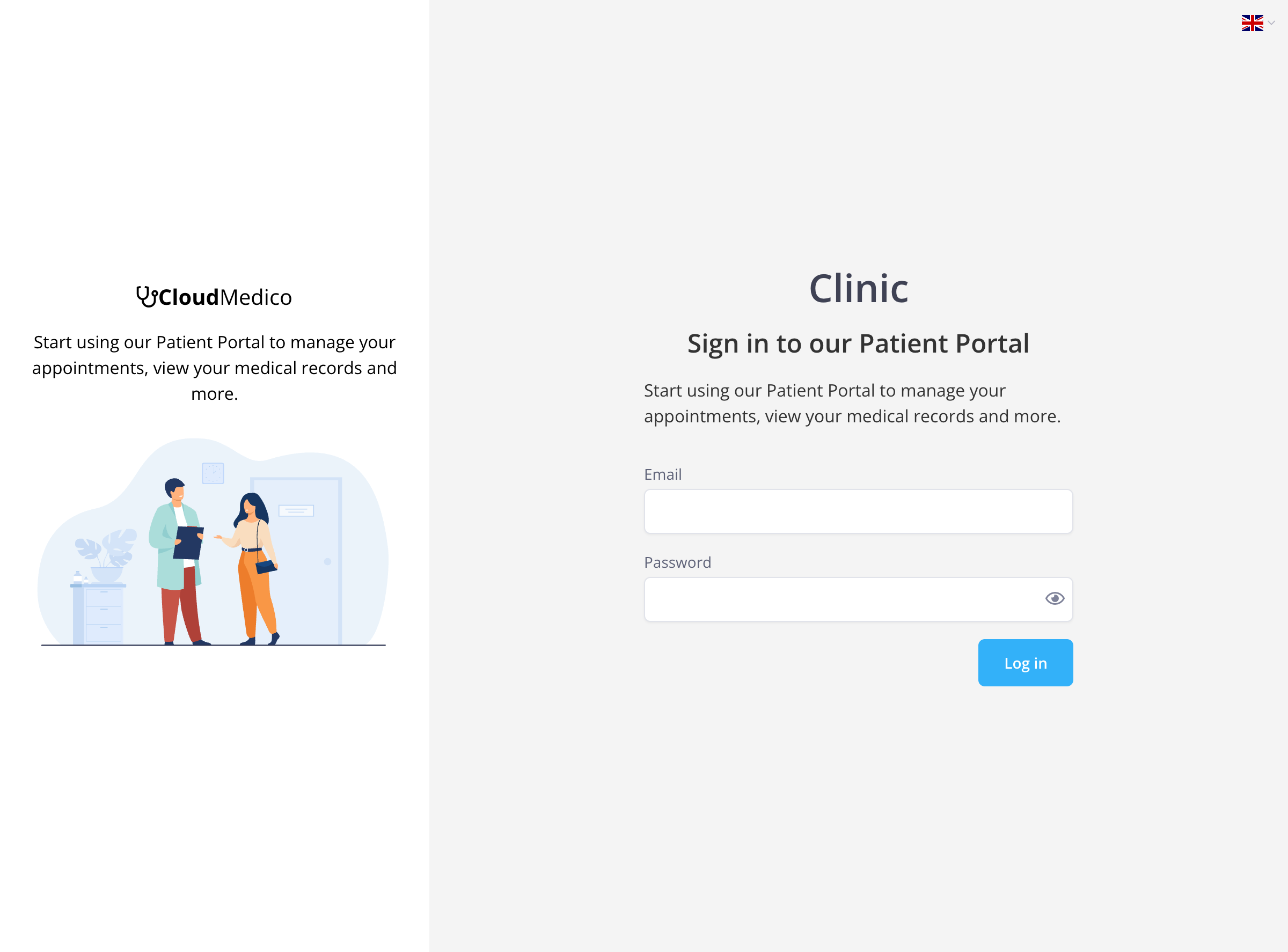
The login process requires:
- Email Address: The patient's registered email address
- Password: The patient's secure password
- Practice Selection: Patients may need to select their healthcare practice
Patient Portal Home
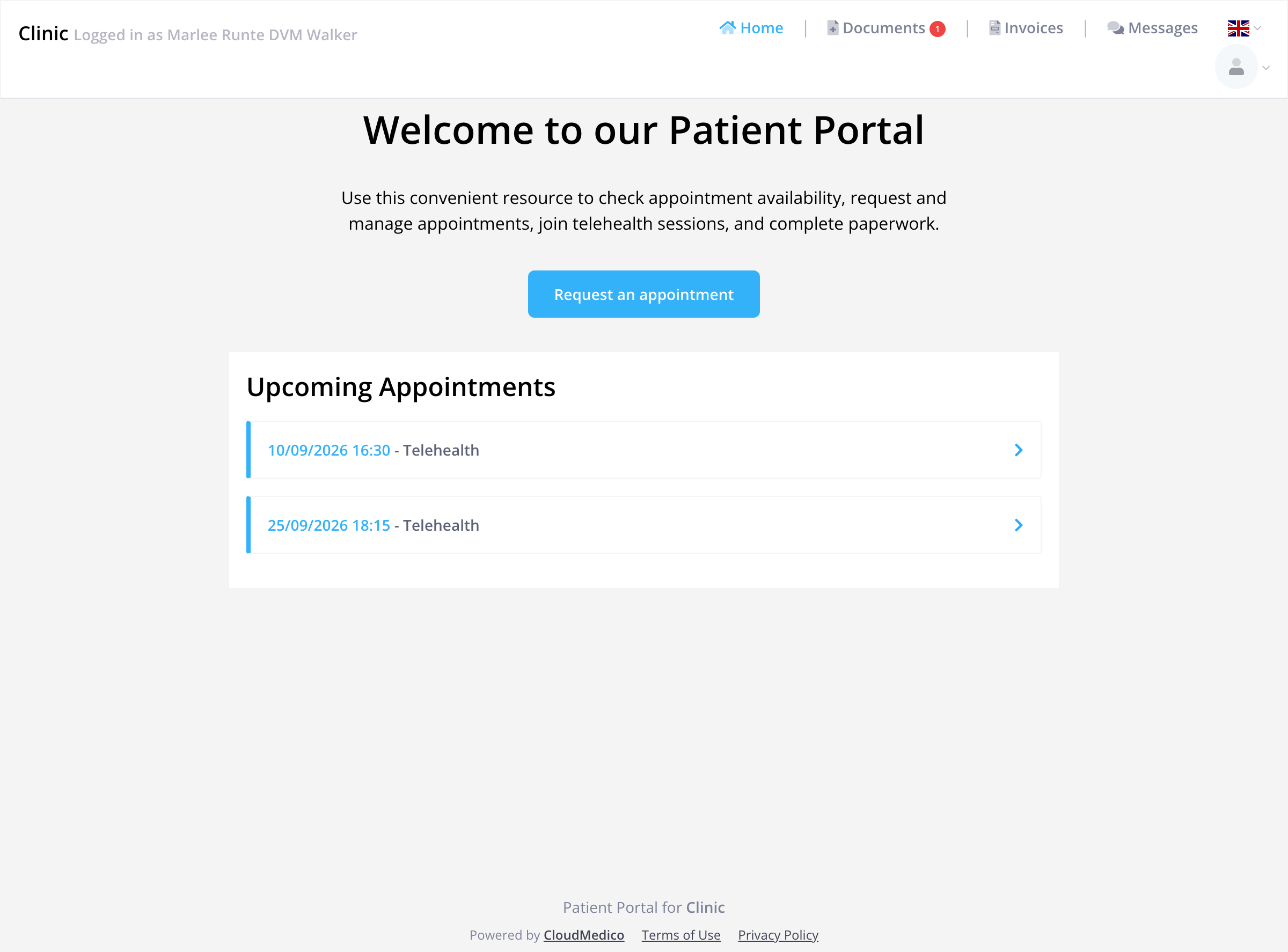
Upon successful login, patients are greeted with a welcoming home page that provides an overview of their healthcare information and quick access to key features.
Home Page Features
The Patient Portal home page includes:
- Welcome Message: Personalized greeting and portal overview
- Quick Actions: Direct access to request appointments
- Upcoming Appointments: Display of scheduled appointments with dates and times
- Navigation Menu: Easy access to all portal sections
Navigation and Menu Structure
The Patient Portal features a clean, intuitive navigation system with four main sections:
- Home: Dashboard and overview of patient information
- Documents: Access to medical documents and forms
- Invoices: View and manage billing information
- Messages: Secure communication with healthcare providers
Documents Section
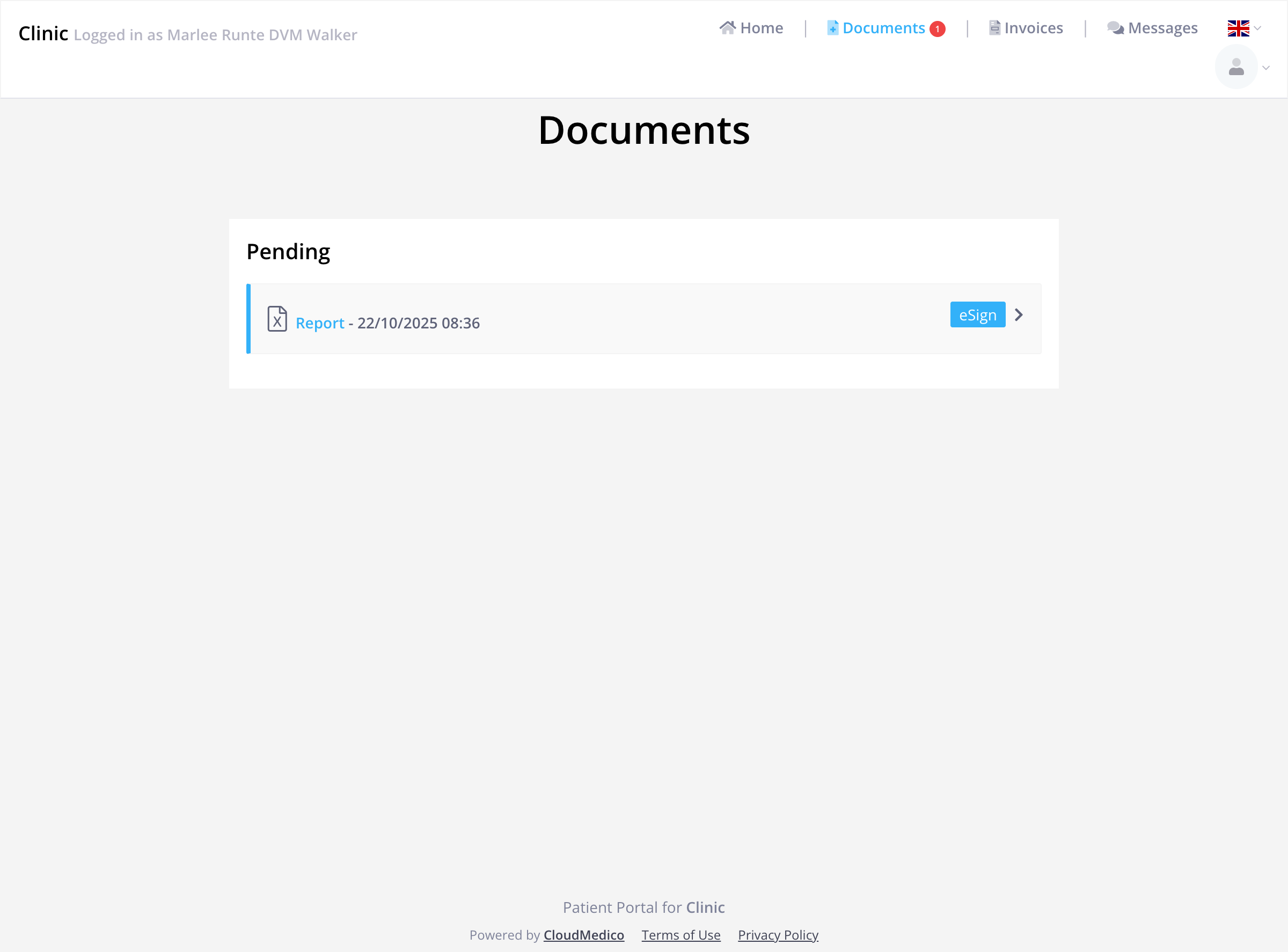
The Documents section allows patients to view, download, and electronically sign important medical documents and forms.
Document Management Features
Patients can:
- View Documents: Access medical reports, lab results, and other important documents
- Electronic Signatures: Sign consent forms and other documents digitally
- Download Files: Save documents to their device for offline access
- Status Tracking: Monitor which documents are pending, completed, or require action
Invoices Section
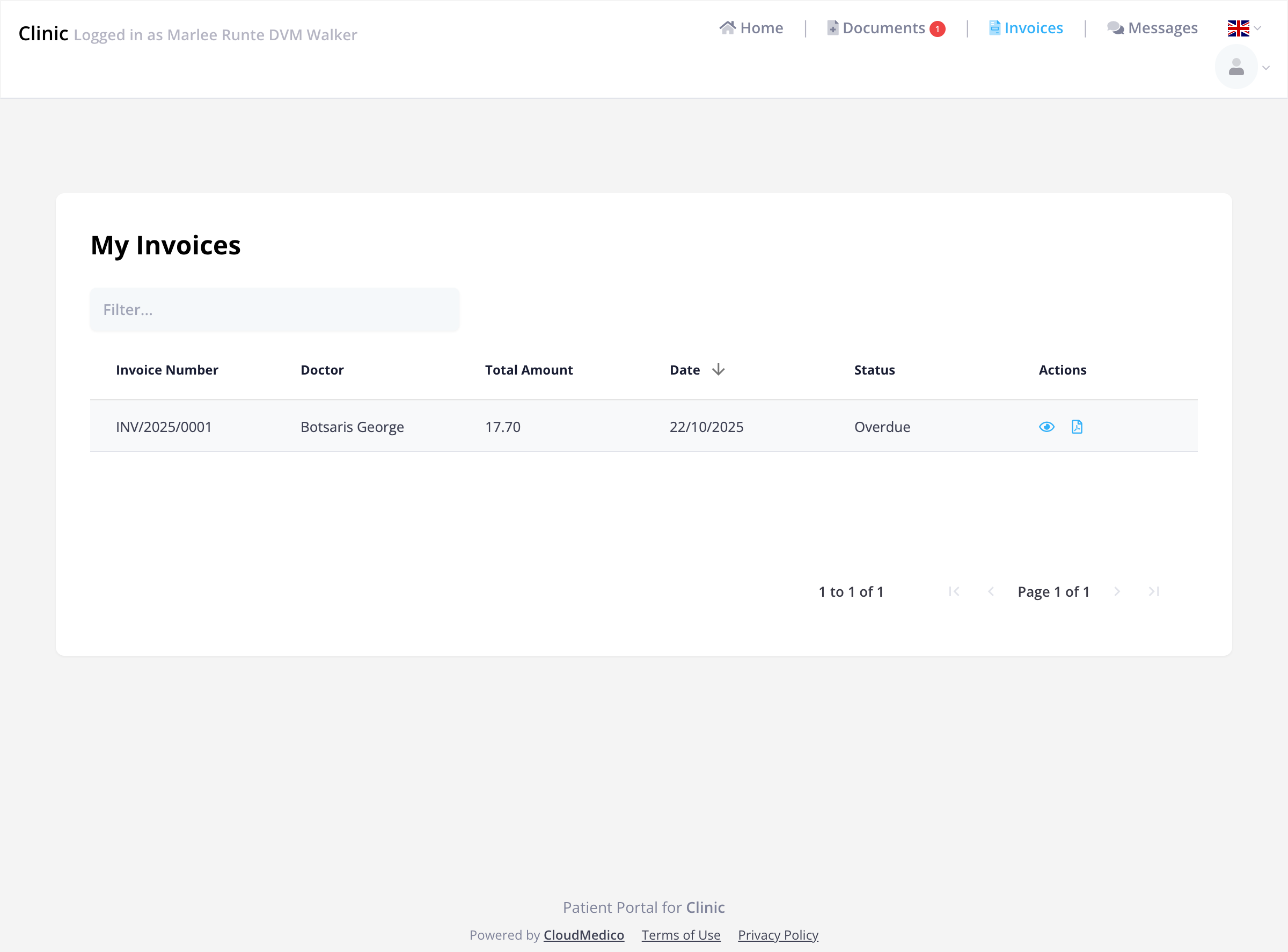
The Invoices section provides patients with comprehensive billing information and payment options.
Invoice Management Features
Patients can:
- View Invoice Details: See complete billing information including services, dates, and amounts
- Payment Processing: Make secure online payments using various payment methods
- Payment History: Track past payments and billing history
- Status Monitoring: View payment status (Paid, Pending, Overdue)
- Download Invoices: Save invoice PDFs for personal records
Messages Section
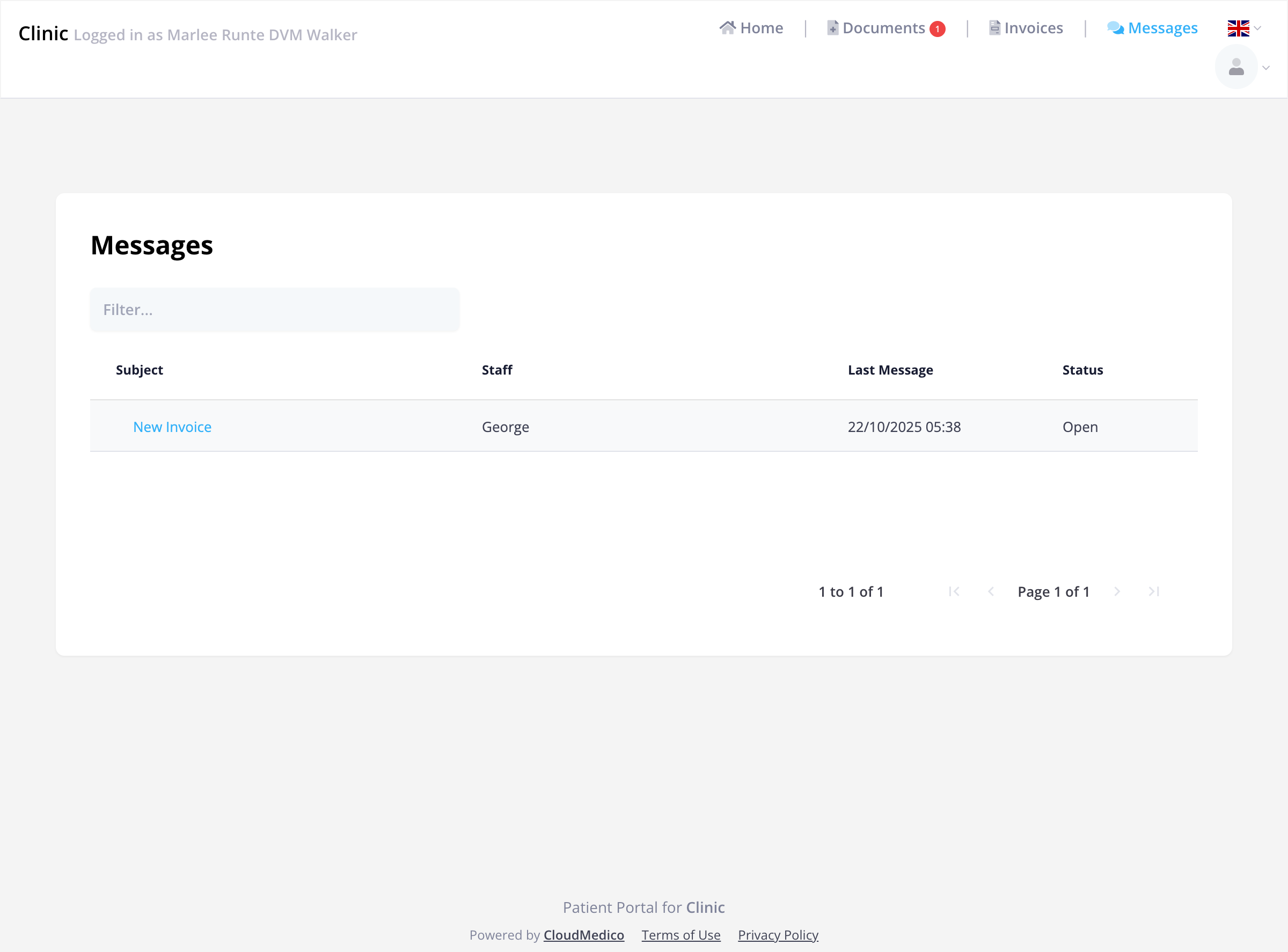
The Messages section lets patients and their healthcare providers message each other securely.
Messaging Features
Patients can:
- Send Messages: Communicate directly with healthcare staff
- Receive Responses: Get timely responses from healthcare providers
- Message History: View complete conversation threads
- Status Tracking: Monitor message status (Open, Closed, Pending)
- Secure Communication: Messages are stored encrypted and sent over secure connections
Appointment Management
The Patient Portal provides comprehensive appointment management capabilities:
- View Upcoming Appointments: See scheduled appointments with dates, times, and types
- Request New Appointments: Submit appointment requests directly through the portal
- Telehealth Access: Join virtual appointments directly from the portal
- Appointment Reminders: Receive notifications about upcoming appointments
Security and Privacy
CloudMedico's Patient Portal prioritizes patient privacy and data security:
- Data Protection: Patient details and messages are stored encrypted, and staff only see what their permissions allow
- Encrypted Communication: All data transmission is encrypted using industry-standard protocols
- Secure sign-in: Patients sign up from a personal invite link that expires after 7 days. Password reset links expire after 60 minutes, and repeated sign-in attempts are limited
- Access Controls: Patients can only access their own information
Mobile Responsiveness
The Patient Portal is fully responsive and optimized for use on:
- Desktop Computers: Full-featured experience with all capabilities
- Tablets: Touch-optimized interface for easy navigation
- Smartphones: Mobile-friendly design for on-the-go access
Getting Started
To help patients get started with the Patient Portal:
1. Invite: When the clinic turns on portal access, the patient gets an invite email. The sign-up link works for 7 days and stops working once the password is set. If it expires, the clinic turns portal access off, saves, then turns it on and saves again to send a new invite.
2. Create a password: The patient types the email address the clinic has for them and chooses a password of at least 8 characters. They are then signed in.
3. Profile Setup: Complete any required profile information
4. Explore Features: Familiarize yourself with the different sections and capabilities
5. Regular Use: Check the portal regularly for updates, messages, and appointment information
Support and Help
If patients encounter any issues or need assistance with the Patient Portal:
- Contact Your Provider: Reach out to your healthcare provider's office for technical support
- Password Reset: Select Forgot password? on the sign-in page. We email a link to set a new password. It works for 60 minutes and only once.
- Browser Compatibility: Ensure you're using a supported web browser for optimal performance
Benefits of Using the Patient Portal
The Patient Portal offers numerous benefits for patients:
- Convenience: 24/7 access to healthcare information and services
- Time Savings: Reduce phone calls and in-person visits for routine tasks
- Better Communication: Direct, secure communication with healthcare providers
- Improved Care: Better access to medical records and appointment information
- Cost Efficiency: Streamlined billing and payment processes
- Health Management: Better tracking of appointments, medications, and health information