

Logging in to CloudMedico
Logging in
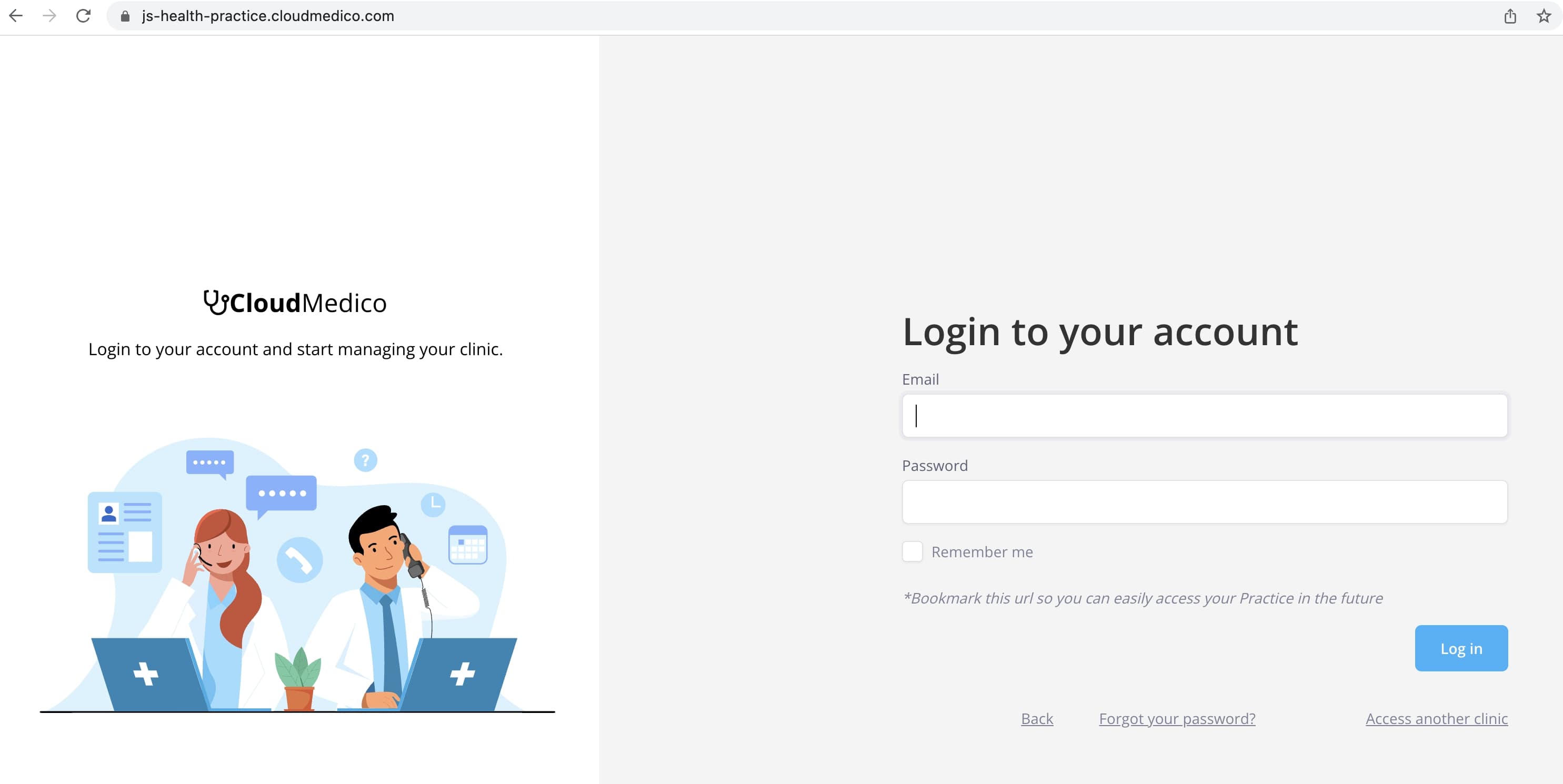
After registering, you will be redirected to your Clinic's unique url, which you can use to sign in to your account.
This url is saved on your browser, and used each time you login to CloudMedico, in order to help you easily navigate.
You can also bookmark this url, so you can access your log in page easier, or share it among your users.
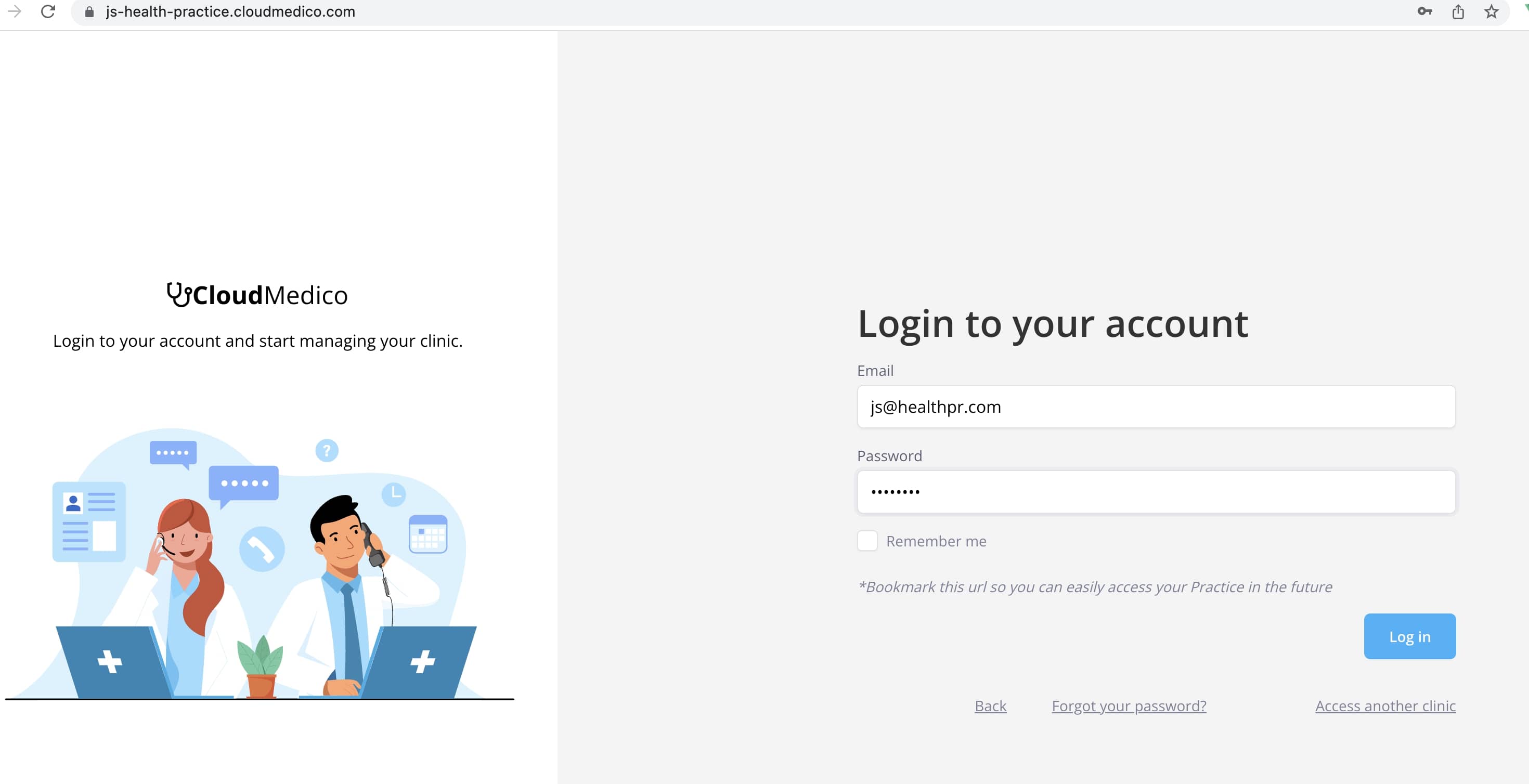
After typing your credentials, you can click the Login button, to access your CloudMedico account.
Accessing Multiple Clinics or from a new Browser
If you are managing multiple Clinics, you can click the 'Access another clinic' link, to redirect to the page where you select your Clinic.
If you are also accessing the CloudMedico website from a new browser, you will be redirected to the 'Access your Clinic' page, where you can enter the name of your Clinic, in order to be redirected to your Clinic's unique login url.
Please make sure that you type the Clinic Name that you used during the time of registration, of if you updated it, as its displayed in your Practice Details page.

If the Clinic name you provided is found, you will be then redirect to the log in page.