

Patients List
The Patients List page provides a comprehensive view of all patients in your practice. This centralized location allows you to manage patient information, search for specific patients, and perform bulk operations efficiently.
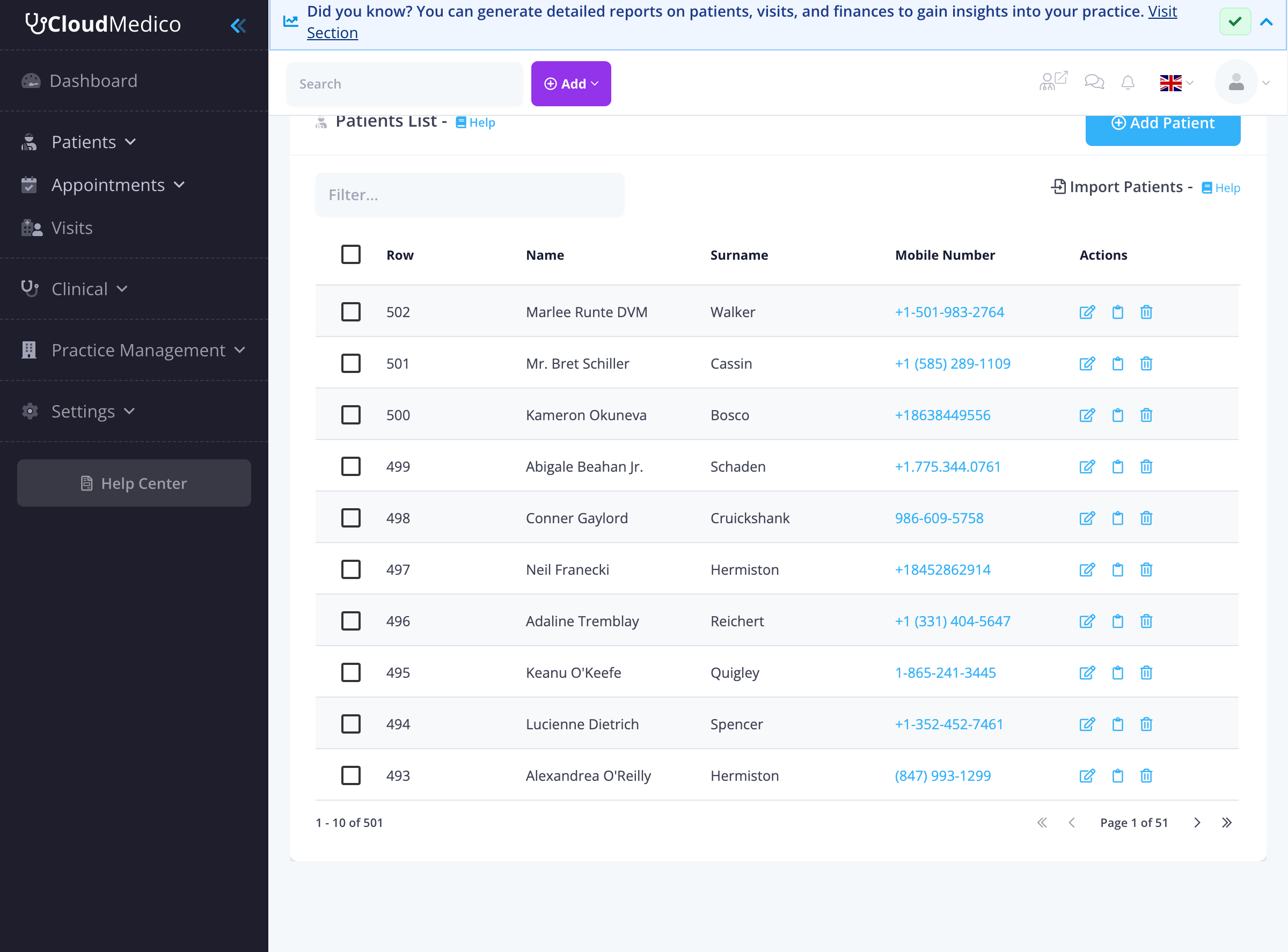
Patient List Overview
The patients list displays all registered patients in your practice with key information including name, surname, mobile number, and available actions. The interface is designed for quick access and efficient patient management.
Key Features
Search and Filter
Use the search box at the top to quickly find patients by name, surname, or mobile number. The filter functionality helps you locate specific patients from your database efficiently.
Patient Actions
Each patient row provides quick access to essential actions:
- View patient details
- Edit patient information
- Schedule appointments
- Create visits
- Access patient portal
Bulk Operations
Select multiple patients using the checkboxes to perform bulk operations such as exporting patient data or sending communications to multiple patients at once.
Import and Export
The Patients List page provides easy access to import and export functionality. You can import patients from Excel files or export your patient database for backup or analysis purposes.
Navigation
From the Patients List, you can easily navigate to other patient-related sections such as Allergies and Pre-existing Conditions, or use the quick action buttons to add new patients or schedule appointments.
Tips for Effective Patient Management
To make the most of your patients list:
- Use the search function regularly to quickly locate patients
- Keep patient information up to date
- Utilize bulk operations for efficiency
- Export data regularly for backup purposes
- Use the import feature when migrating from other systems