

Managing Patient Discharges in CloudMedico
CloudMedico provides comprehensive discharge management functionality to help you create detailed discharge summaries for your patients. This system allows you to document treatment outcomes, medications, and follow-up instructions in a professional format.
Discharges Overview
The Discharges section is located under the Clinical dropdown menu. It provides tools to view, add, and manage patient discharge summaries with detailed information including treatment history, medications, and follow-up care.
Discharges List View
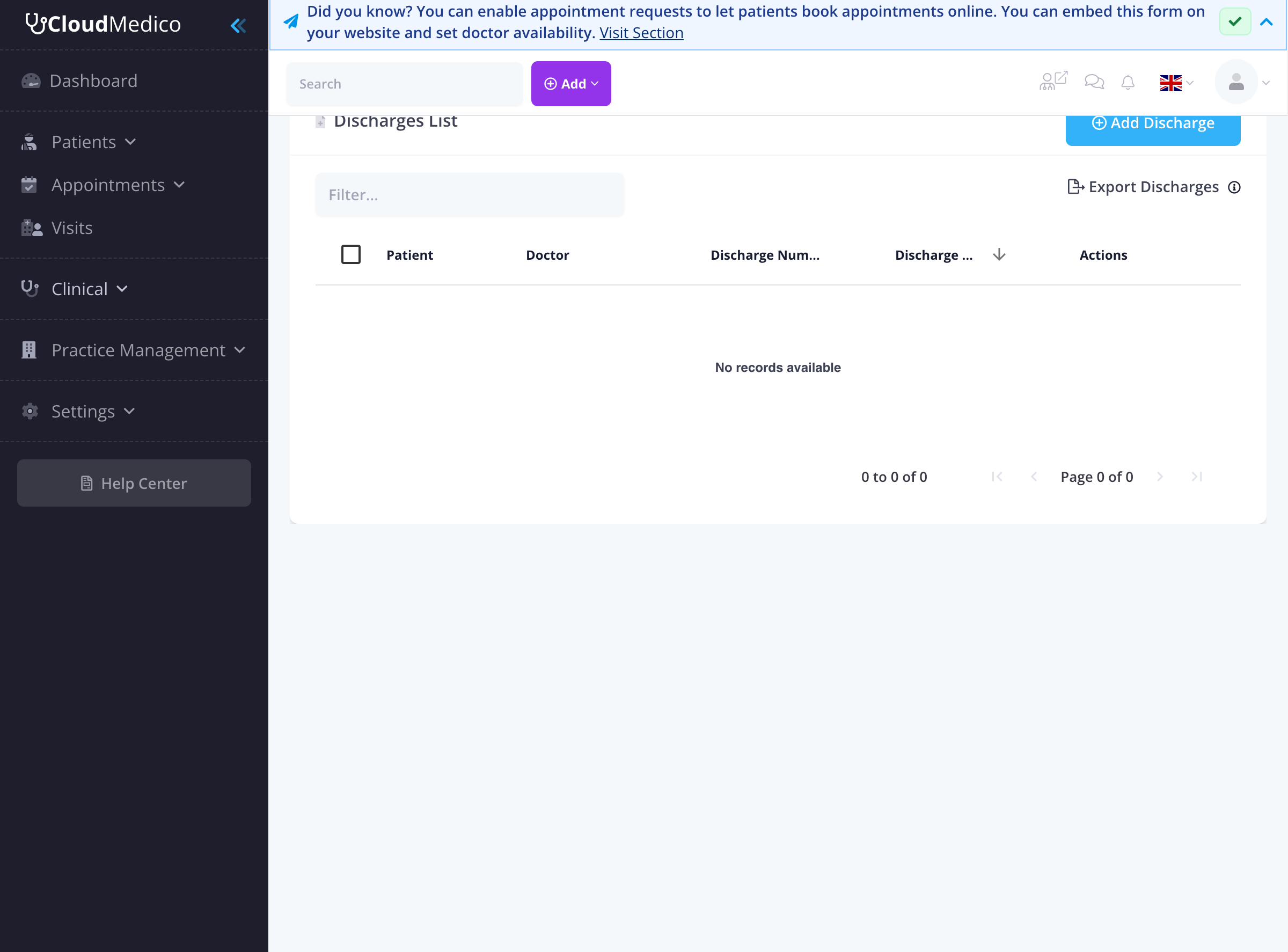
The Discharges List page displays all discharge summaries in your practice. From here, you can quickly see an overview of patient discharges, search for specific records, and access options to add new discharges or manage existing ones.
Adding New Discharges
To add a new discharge summary, click on the 'Add Discharge' button. You will be presented with a comprehensive form to enter the discharge details:

Key fields include:
- Patient: Select the patient from your patient database
- Doctor: Choose the attending physician
- Discharge Date: The date when the patient was discharged
- Discharge Number: Unique identifier for the discharge
- Discharge Type: Select from predefined discharge types
- Admission Diagnosis: The initial diagnosis upon admission
- Final Diagnosis: The final diagnosis at discharge
- Treatment Summary: Details of treatment provided
- Medications: List of medications prescribed at discharge
- Follow-up Instructions: Instructions for ongoing care
- Special Instructions: Any special care instructions
Rich Text Editors
The discharge form uses rich text editors for detailed sections with:
- Formatting: Bold, italic, headings, lists
- Links: Add hyperlinks to external resources
- Lists: Bulleted and numbered lists
- Quotes: Block quotes for important information
Printing Discharge Summaries
Once a discharge summary is created, you can print it for the patient's records. The printed document includes all relevant medical information in a professional format suitable for patient records and insurance purposes.
Import and Export Functionality
CloudMedico provides powerful import and export capabilities for discharge data:
- Import: Upload existing discharge data from Excel files
- Export: Download discharge data for backup or analysis
- Template: Download template files for easy data preparation
Search and Filtering
The discharges list provides several search and filtering options:
- Search Filter: Use the search box to quickly find specific discharges
- Column Sorting: Click on any column header to sort discharges
- Date Range: Filter discharges by specific date ranges
- Doctor: Filter by specific doctors
- Patient: Filter by specific patients
Tips for Effective Discharge Management
To maintain comprehensive discharge records:
- Complete Information: Fill in all relevant details for each discharge
- Clear Instructions: Use the rich text editor to provide clear, detailed instructions
- Consistent Formatting: Maintain consistent formatting across all discharge summaries
- Regular Updates: Keep discharge information current and accurate
- Backup Data: Regularly export discharge data for backup purposes