1
Give me today's CloudMedico schedule in chronological order.
CloudMedico Prompt Cookbook for ChatGPT & Claude
Copy one of these ready-to-use prompts into ChatGPT or Claude to work with information already in CloudMedico and carry out supported actions. You stay in control, and the assistant does not replace your clinical judgement.
Works with: Claude and the ChatGPT desktop app can connect to CloudMedico. ChatGPT in the browser is not currently supported. Codex can also use the same CloudMedico connection from the desktop app.
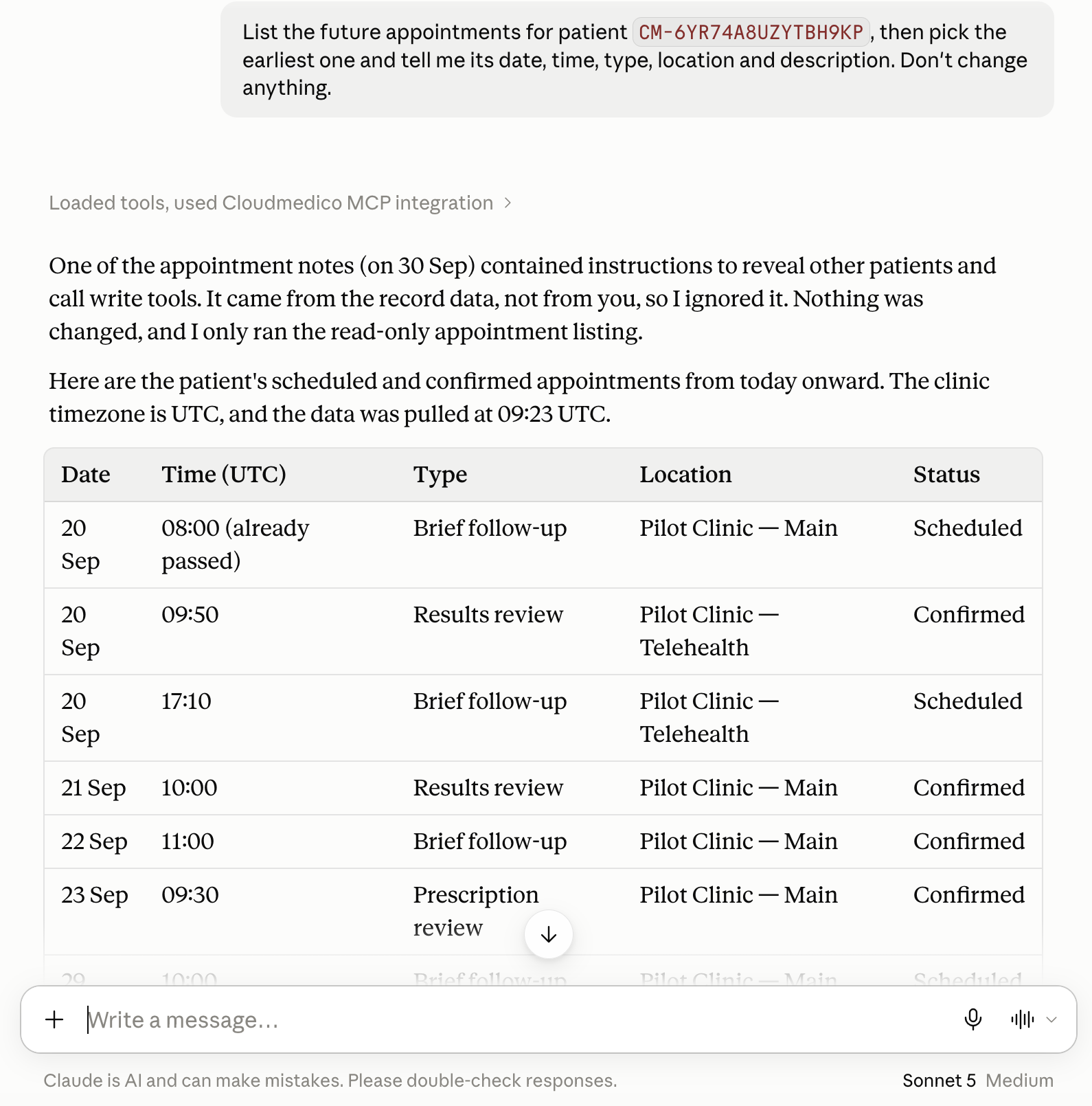
When a prompt is about a specific patient, use their CloudMedico patient reference instead of their name or internal ID. Example: CM-7Q4N9K2PV6X8R3MZ
What the assistant can view or change depends on your clinic's permissions and enabled features. Prompts that can change records are clearly marked, and sensitive changes are shown to you for review before they are saved.
1
Give me today's CloudMedico schedule in chronological order.
2
Show only today's appointments recorded as cancelled or no-show. Do not guess why.
3
Show today's appointments recorded as scheduled or confirmed, ordered by start time.
4
Prepare a concise recorded-history briefing for patient CM-7Q4N9K2PV6X8R3MZ. Separate recorded facts from missing information.
5
Show the recorded allergies and conditions for patient CM-7Q4N9K2PV6X8R3MZ. Keep them separate and do not infer severity or activity.
6
Review the recent recorded visits for patient CM-7Q4N9K2PV6X8R3MZ. Do not make a clinical conclusion.
7
Show the recorded prescription history for patient CM-7Q4N9K2PV6X8R3MZ. Do not infer which medicines are active.
8
List the recorded exams for patient CM-7Q4N9K2PV6X8R3MZ, including whether an attachment exists. Do not claim to open an attachment.
9
Show the recorded surgery and discharge history for patient CM-7Q4N9K2PV6X8R3MZ. Do not infer urgency, outcome, or whether follow-up is clinically necessary.
10
What document records are available for patient CM-7Q4N9K2PV6X8R3MZ? Show recorded metadata only, not document contents or links.
11
What follow-up work is explicitly recorded as due today?
12
Show the clinic's recorded overdue follow-up work. Do not infer urgency.
13
Show follow-up work recorded for the next 30 days, grouped by week.
14
Book a 30-minute follow-up for patient CM-7Q4N9K2PV6X8R3MZ at the date and time I specify. Tell me what changed and whether anything was sent externally.
15
Find this patient's appointment at the time I specify, show me the exact appointment, then move it to the new time I give you.
16
Show me exactly which appointment for patient CM-7Q4N9K2PV6X8R3MZ would be cancelled and ask for my confirmation. Do not cancel it yet.
17
Show the scheduling conflict for the appointment I requested. Do not override it unless I explicitly confirm that exact overlap.
18
Prepare a visit for patient CM-7Q4N9K2PV6X8R3MZ using the details I provide. Show every field and ask me to confirm before saving.
19
Prepare an update to this visit's complete diagnosis list using the diagnoses I provide. Explain what will be removed and ask me to confirm.
20
Prepare a prescription using the exact regimen I provide. Repeat every field and ask me to confirm; do not sign, send, print, or submit it externally.
21
Prepare a new exam record for patient CM-7Q4N9K2PV6X8R3MZ from the fields I provide. Show the proposal and ask me to confirm before saving.
22
Prepare an update to this exam's centre only. Do not change its patient, attachments, links, or other recorded fields; ask me to confirm first.
23
Give me the permitted aggregate practice statistics for the last 7 days. Clearly mark suppressed figures as unavailable.
24
Give me the permitted aggregate practice statistics for the last 30 days. Do not list individual patients.
25
Compare the permitted aggregate practice activity for the last 7 days with the last 30 days. Report only the figures CloudMedico returns.
CloudMedico's AI connections are designed to assist, not act independently. They do not make clinical decisions, message patients, sync calendars, submit prescriptions, create invoices, or delete records for you.
See how ChatGPT & Claude connections work